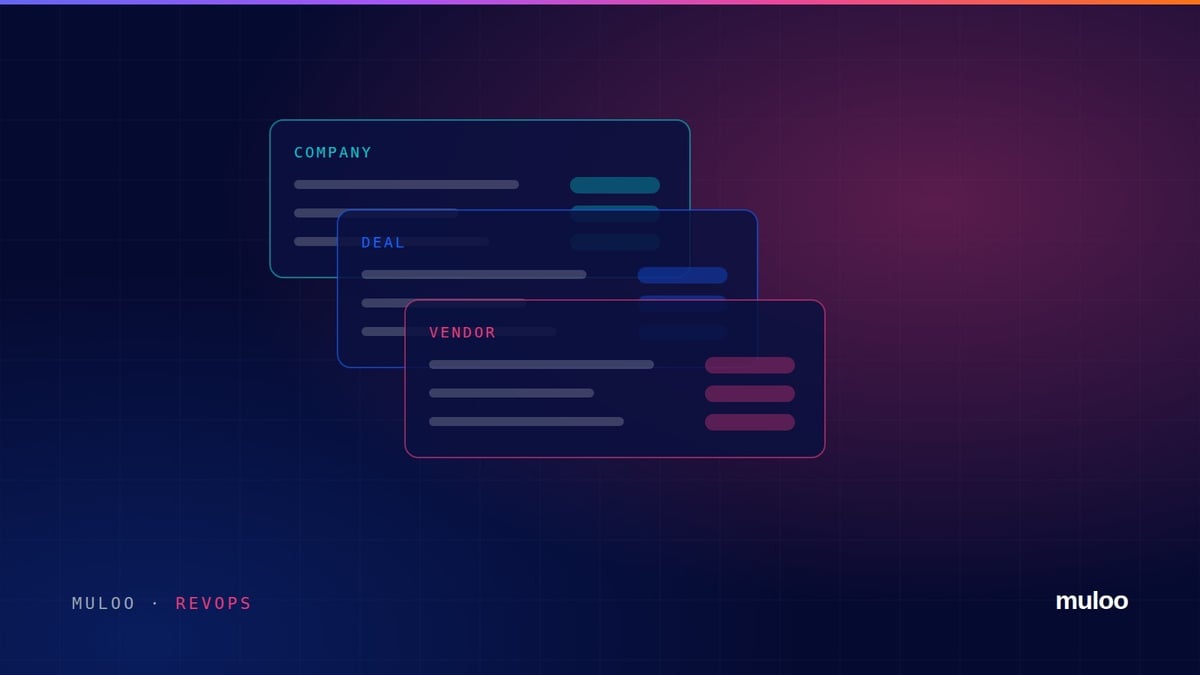
Implementation partners and resellers get a raw deal from default CRM setups. HubSpot out of the box assumes you sell your own product, in one currency, from one team. A partner sells someone else's product, registers the deal with the vendor, delivers it in a different region from where it was sold, and prices it in whichever currency the client uses.
We built exactly this recently for a global HR software partner operating in eight regions. These are the decisions that mattered.
Audit before you create a single property
Check users, teams, currencies, the default properties and how full they are. A clean portal is a gift. A portal with two years of half used custom fields needs a clean up plan before a build plan.
Model selling region and delivery region separately
A deal sold by the UK team and delivered by the South African team is normal for a partner. One Region field forces a choice, and whichever you pick, either commission reporting or delivery capacity reporting is wrong. Create both on the deal.
Turn on the currencies before the first deal
Add every currency you quote in, set the company currency you report in, and switch on automatic monthly exchange rates. Adding currencies after deals exist means someone reconciling amounts by hand.
Watch for names HubSpot already uses
The most expensive CRM bug is a field that looks right and reports wrong.
Partners want a Deal Type of co sell, referral or resell. HubSpot already has a Deal Type property meaning new or existing business. Create yours as Partner Deal Type. Do the same check for Campaign, Next Step and anything else that sounds generic, and reuse the default when it genuinely means the same thing.
Give the vendor its own group
Everything the vendor needs from you belongs together: registration status, registration date, vendor opportunity ID and the vendor's account executive and partner manager. Put them in one property group so the person registering the deal sees one block, not fields scattered through the record.
| Property group | What lives there |
|---|---|
| Core sales information | Lead source, business pain, compelling event, spend estimate |
| Regional model | Selling region, delivery region |
| Offering classification | Primary offering, product of interest, service interest |
| Vendor qualification | Partner deal type, registration, vendor IDs and contacts |
| Documents and delivery | SOW status, document folder link, delivery complexity |
Prefix your custom groups with a consistent name so anyone opening the portal later can tell your build from HubSpot's defaults at a glance.
Put required fields on stages, not on create
Requiring ten fields to create a deal means reps stop creating deals. Requiring the right fields to move a deal forward protects the forecast without slowing the first conversation. A partner pipeline that works:
- New lead and Qualified. Source and business pain.
- Discovery and Solution fit. Offering, product of interest, go live timeline.
- Scoping and SOW. Delivery complexity, currency, spend estimate.
- Proposal and Negotiation. SOW attached, vendor registration complete.
Give every stage a probability you would defend in a forecast meeting, not HubSpot's defaults.
Small things that save a day
- Load dropdown options by pasting one value per line instead of adding them one at a time
- Portals cap the number of teams, so plan regions before anyone plans a team per country
- Use a single multi select buying committee role instead of a set of yes or no flags
- Run one test deal from new lead to closed won, with line items, before the team touches it
Partner CRM work is mostly deciding what not to build. If your portal is fighting the way you actually sell, talk to us.