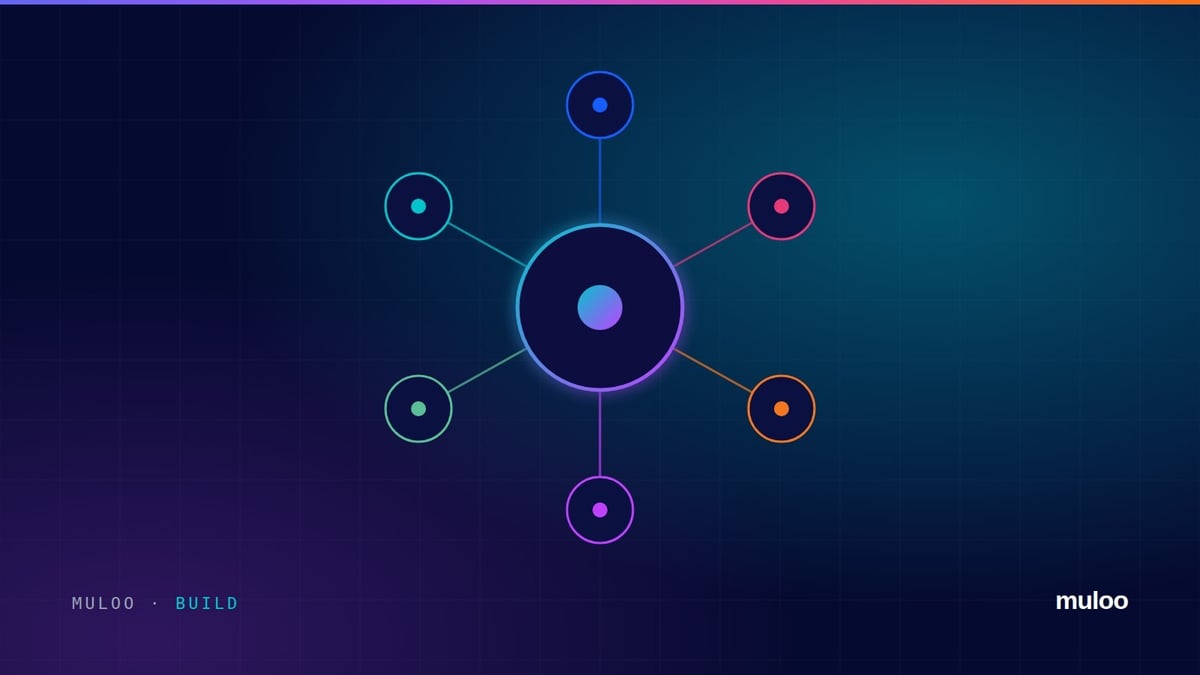
HubSpot is a customer platform. At its centre is one CRM database holding your contacts, companies, deals and tickets. Around it sit a set of hubs for marketing, sales, service, content and data, all reading and writing the same records.
That shared database is the whole point. Marketing can see which campaign a customer came from, sales can see every email they opened, and service can see what they bought, without anyone exporting a spreadsheet.
What each hub does
| Hub | What it is for |
|---|---|
| Smart CRM | The free core: contacts, companies, deals, tickets, activity history and basic reporting |
| Marketing Hub | Email, forms, landing pages, automation, ads, lead scoring and campaign reporting |
| Sales Hub | Pipelines, sequences, meetings, quotes, forecasting and sales reporting |
| Service Hub | Help desk, tickets, knowledge base, customer portal and feedback |
| Content Hub | Website pages, blog, themes, multi language sites and AI content tools |
| Data Hub | Data sync with other systems, data quality tools and custom automation |
| Commerce Hub | Payments, invoices, subscriptions and quotes |
Each hub comes in Starter, Professional and Enterprise editions. Starter covers the basics for a small team. Professional adds the automation and reporting most growing businesses actually need. Enterprise adds structure for larger organisations: business units, hierarchies, advanced permissions and custom objects at scale.
What HubSpot is good at
- Adoption. People use it, which is the difference between a CRM and a database nobody updates
- One view of the customer across marketing, sales and service
- Speed to value. A well scoped implementation is live in weeks, not quarters
- Automation that operations people can build and maintain without a developer
- AI built in, working on your own CRM data rather than a copy of it
Where it needs care
HubSpot is easy to start and easy to make a mess of.
Because anyone can create a property or a workflow, portals drift. Two years in, many have duplicate fields, workflows nobody owns and reporting nobody trusts. The fix is not a different platform. It is architecture decided up front and governance that keeps it that way.
It also matters which edition you buy. Buying Starter to save money and then rebuilding on Professional six months later costs more than getting the edition right the first time.
Is HubSpot right for you?
It is usually a strong fit if you:
- Sell business to business, or run a considered sale with more than one conversation
- Want marketing, sales and service working from the same records
- Would rather your team configured the system than waited on developers
Look harder if your process depends on heavy industry specific functionality or deep ERP logic. HubSpot integrates well with ERP and finance systems, but it should not pretend to be one.
Getting started properly
- Write down how you sell. Stages, handoffs and what counts as a qualified lead, before you configure anything.
- Design the data model. Objects, properties and required fields, agreed by the people who will use them.
- Build the pipeline and automation around that process, not around the demo.
- Train by role and check in two weeks later, once people are actually in the system.
Already on HubSpot and not sure it is set up well? Our free audit reads your portal and tells you what is wrong with it.